Customization
Once you have selected the function you want to build a form for, you can finally customize the experience the form will take.
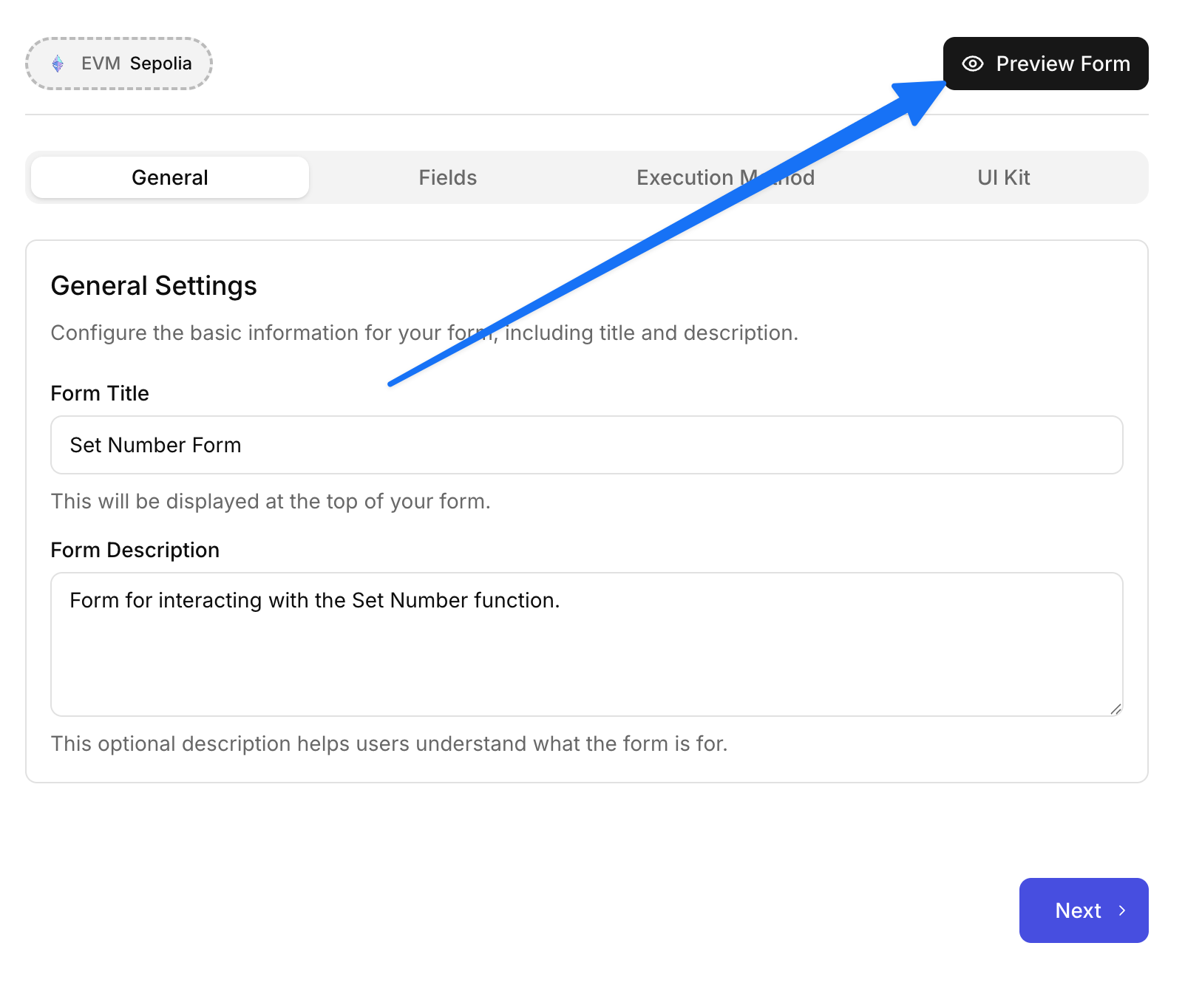
General Settings
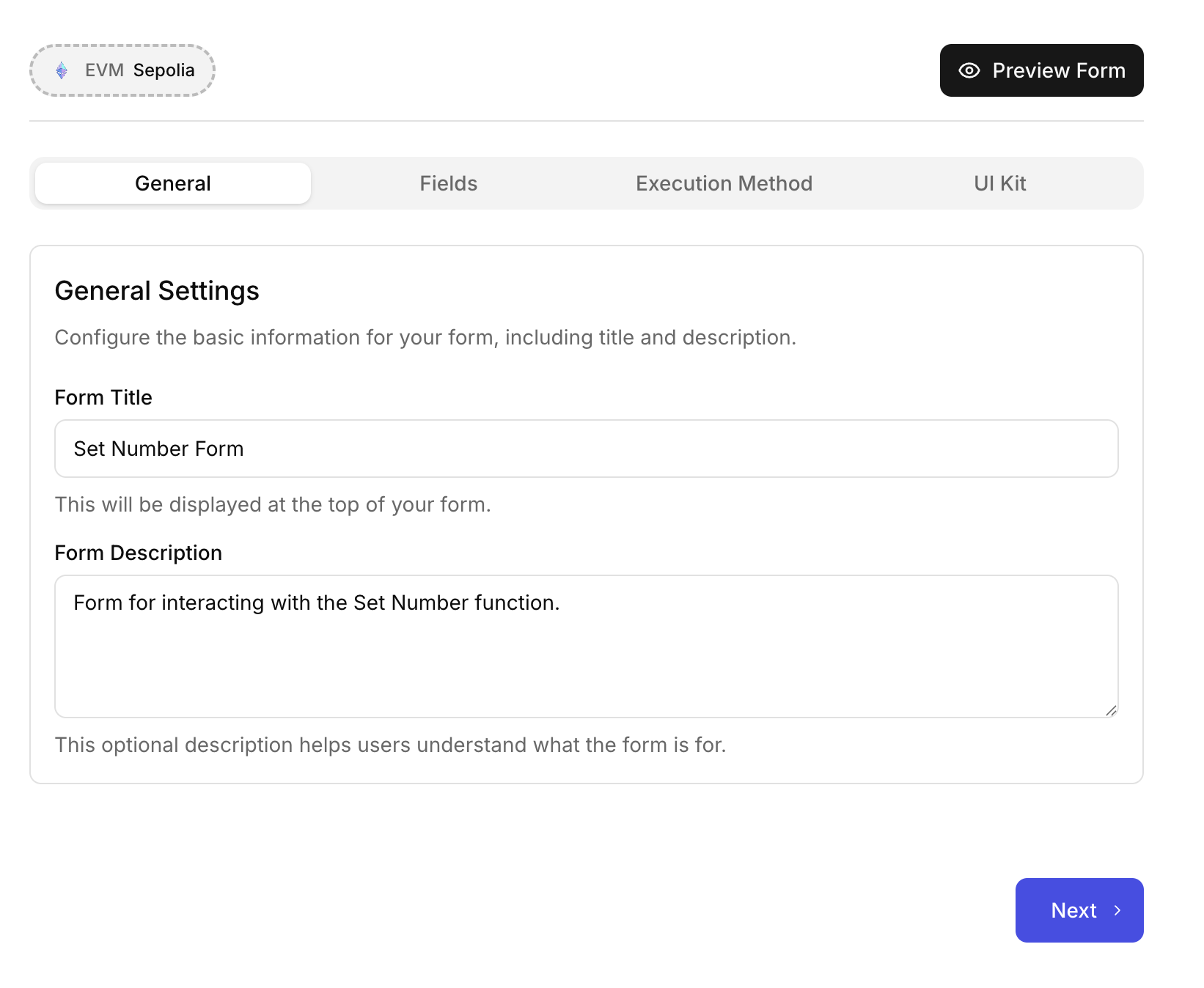
In the general settings you can update the name of the form and a custom description to help clarify it’s purpose
Fields
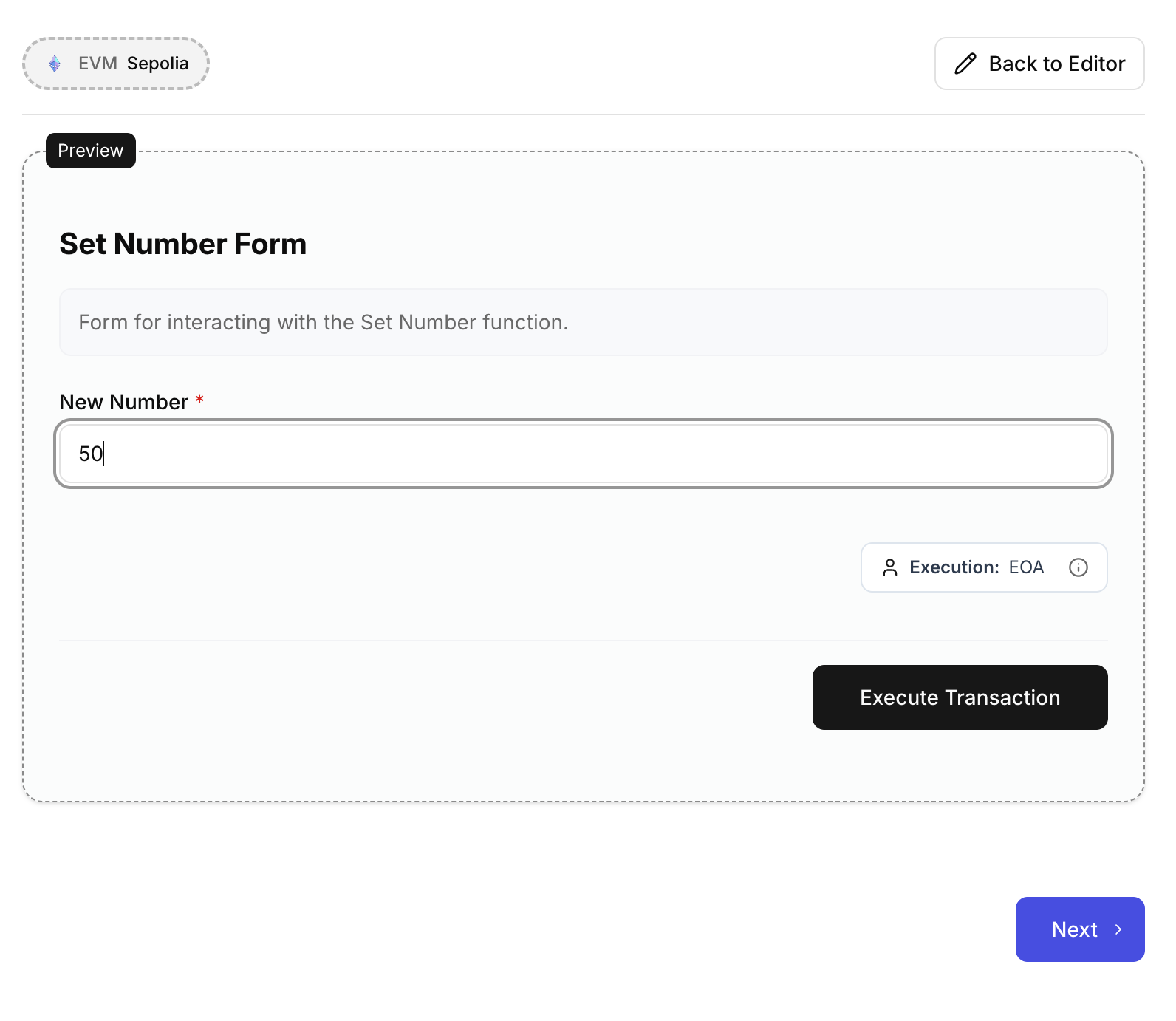
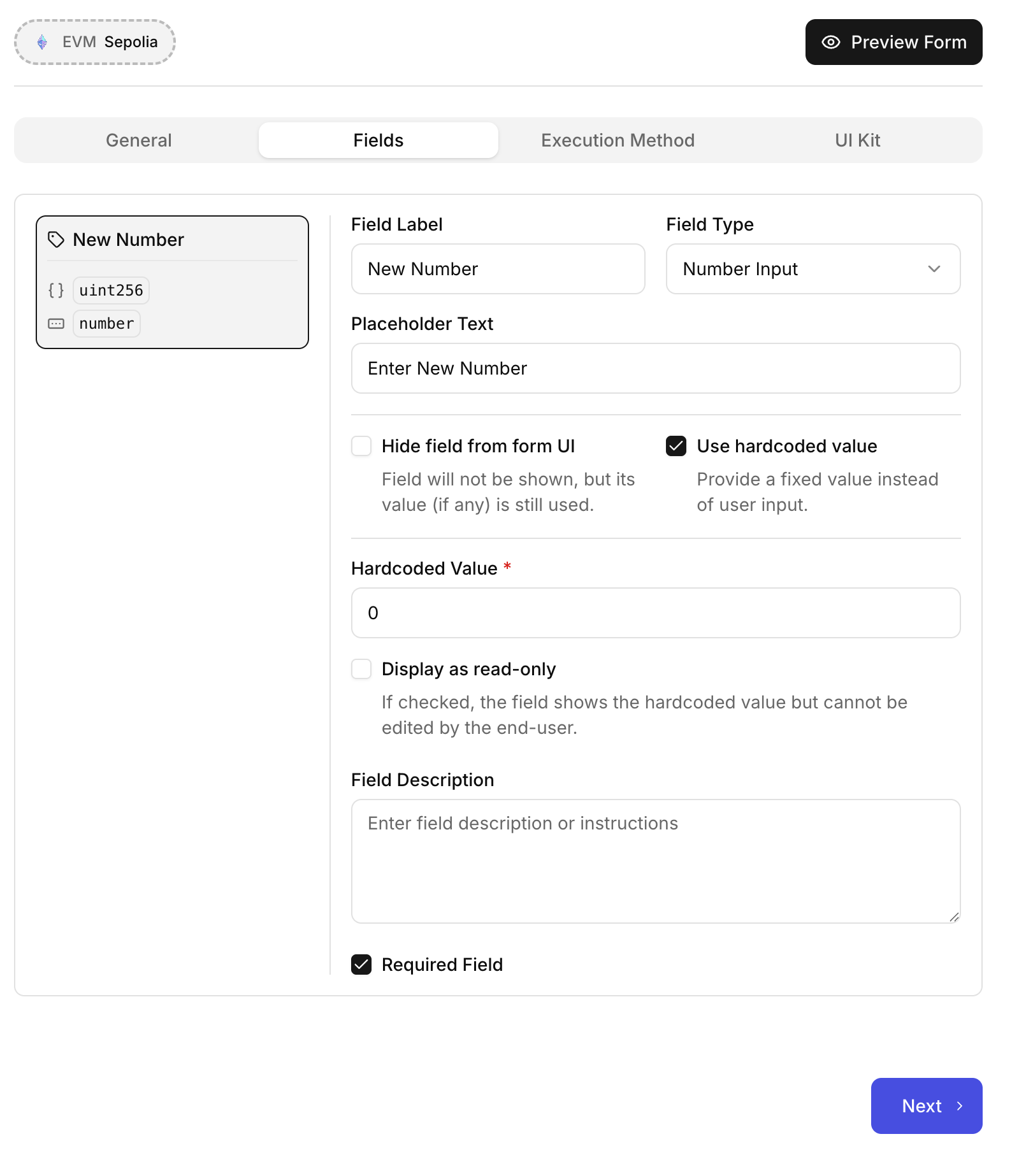
The fields section will let you customize how someone might interact with your form. This can be incredibly useful if you need to provide a better UX for values to fill in. You can also make certain fields or values hard coded into the form and only give users the option to execute the function. All of these are available so you can craft an experience for yourself or for someone who is non-technical and might need guidance on what to add.
Execution Method
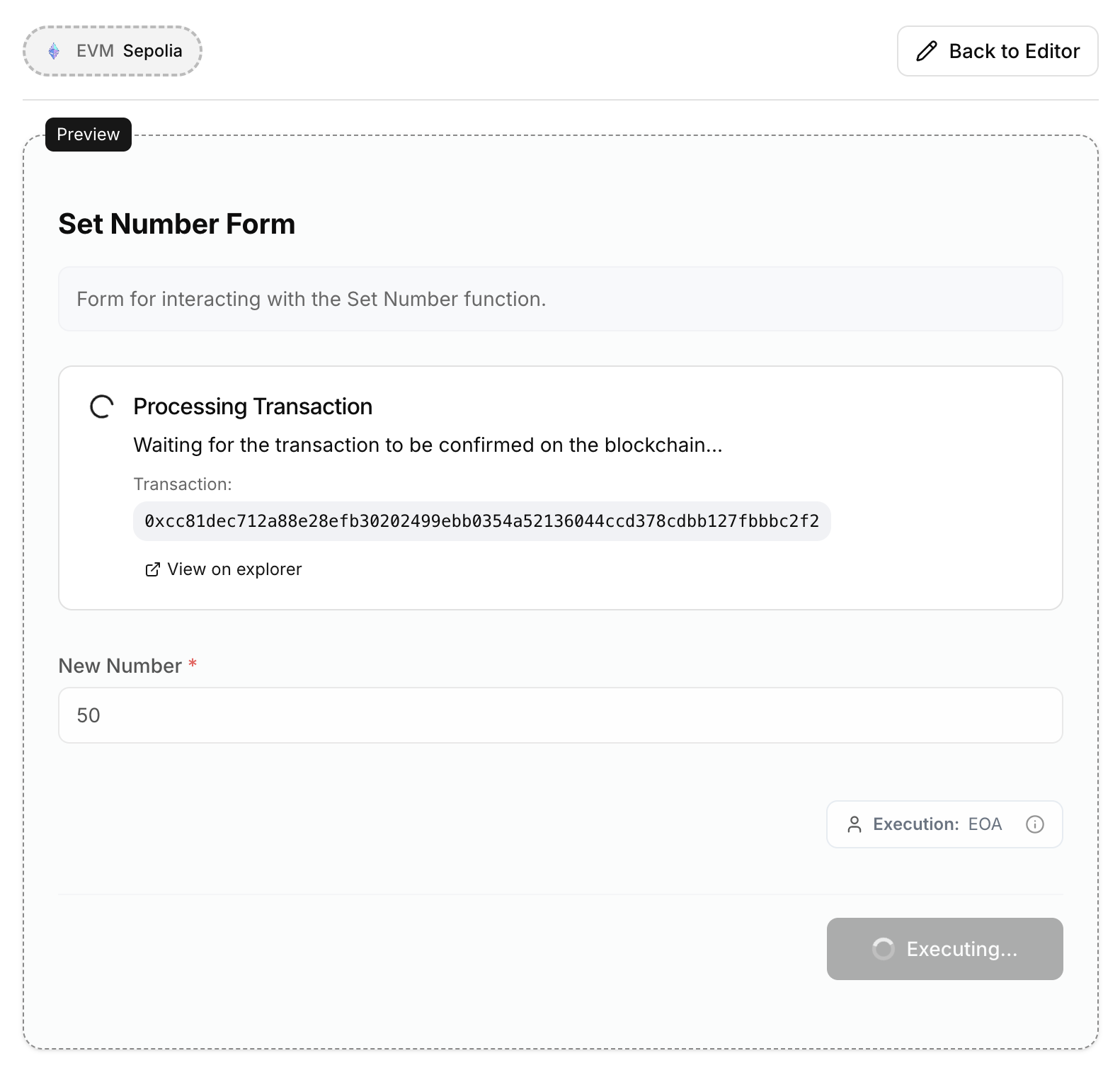
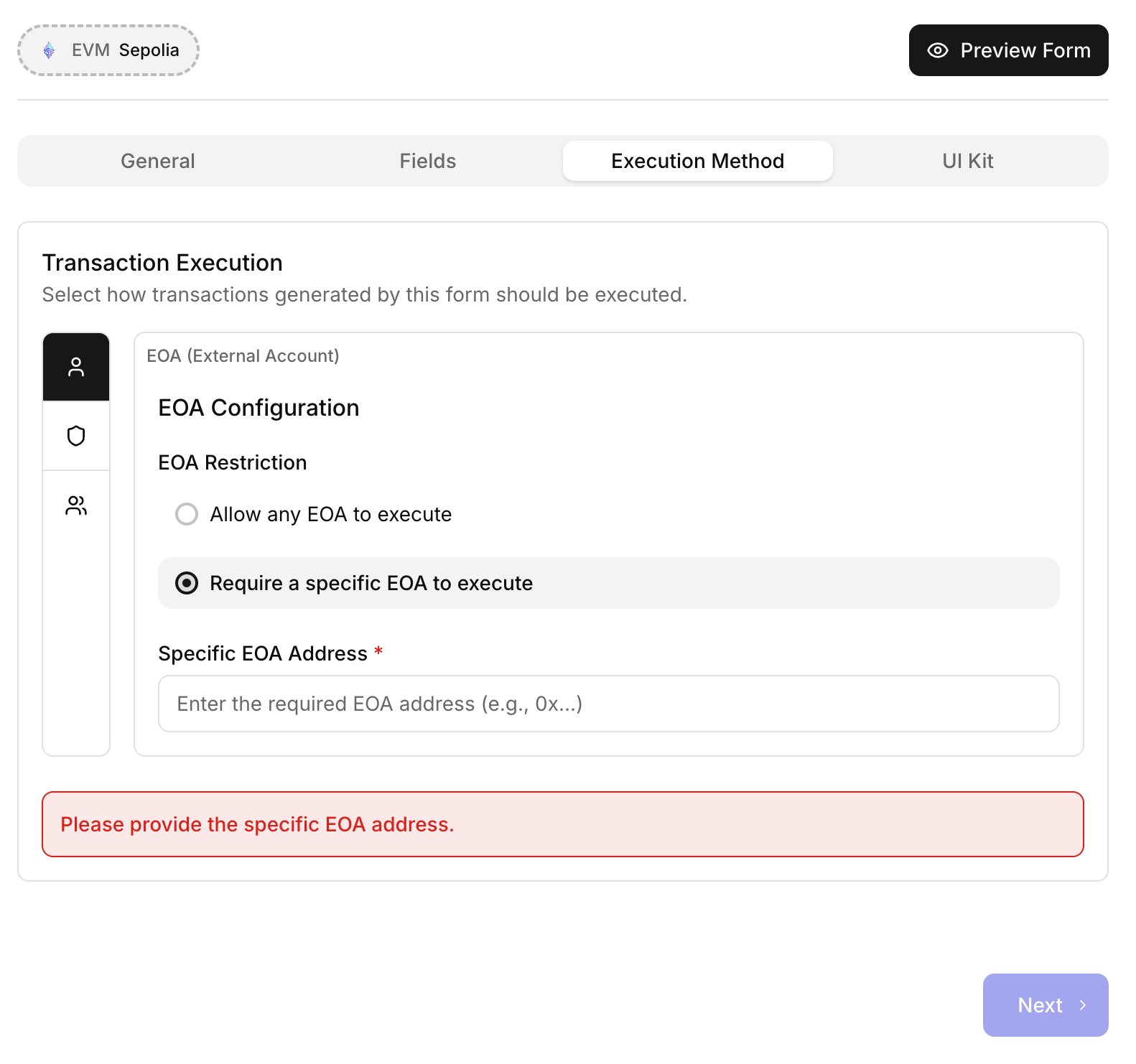
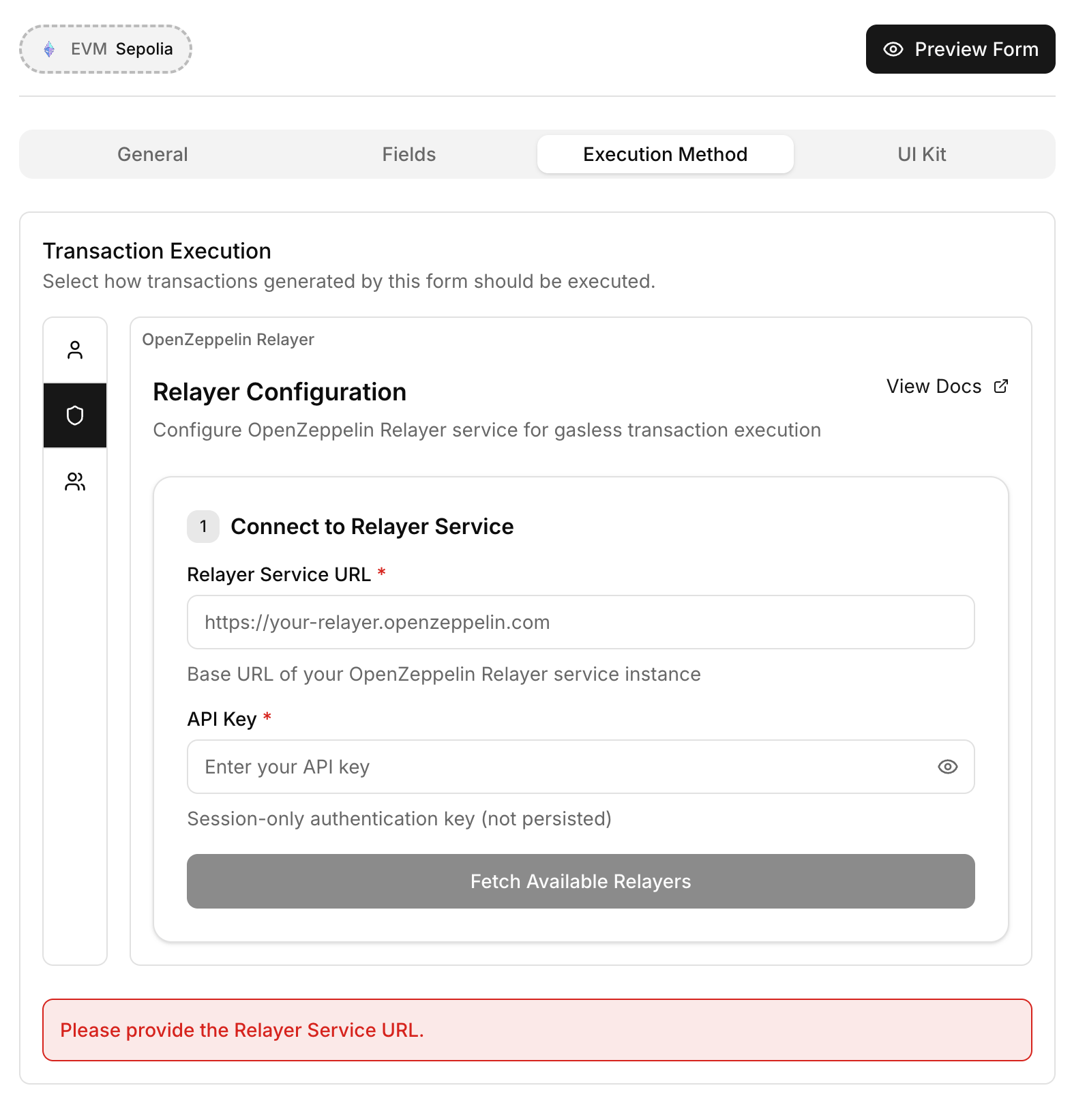
When it comes to how the form is executed as a transaction there are several options.
|
These execution method restrictions only apply on the client form, NOT the contract itself. Make sure your contract has secure access controls in place! |
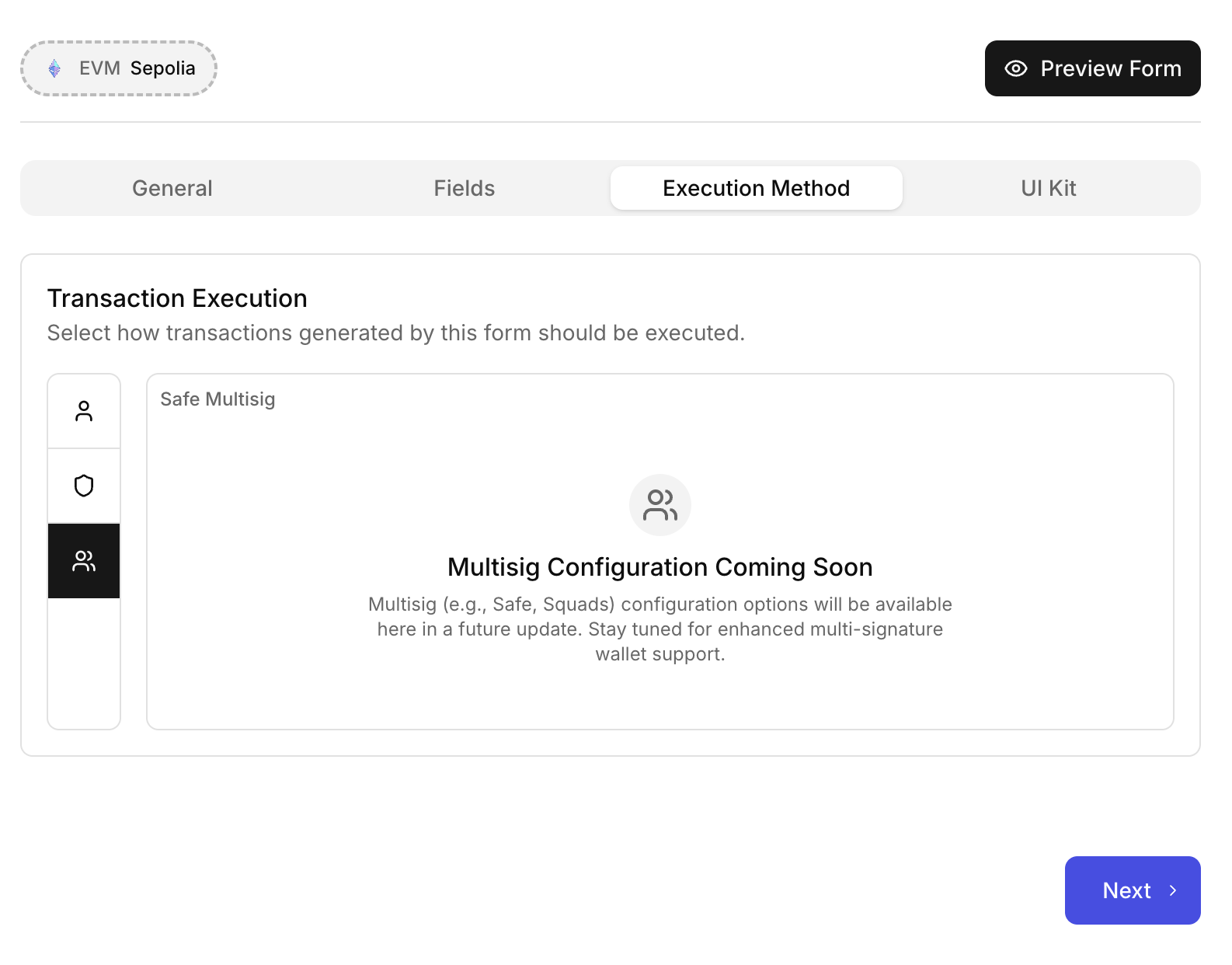
Multisig (coming soon)
Multisig services like Safe, Squads, etc. will be available in the near future!
Wallet UI Kit
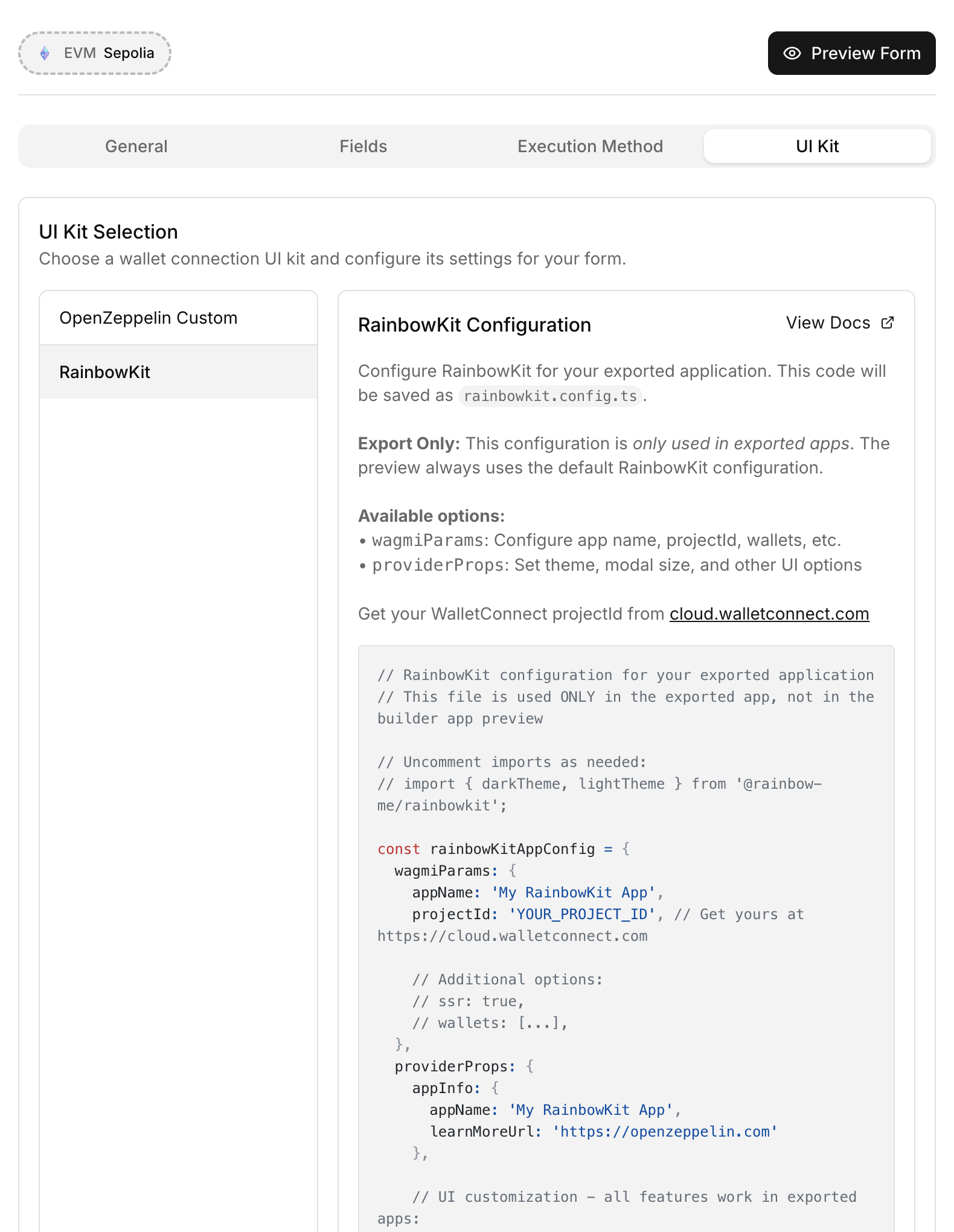
If you are using an EOA execution method you can customize the wallet connection experience. You can do this by using the OpenZeppelin setup which requires no additional configuration:
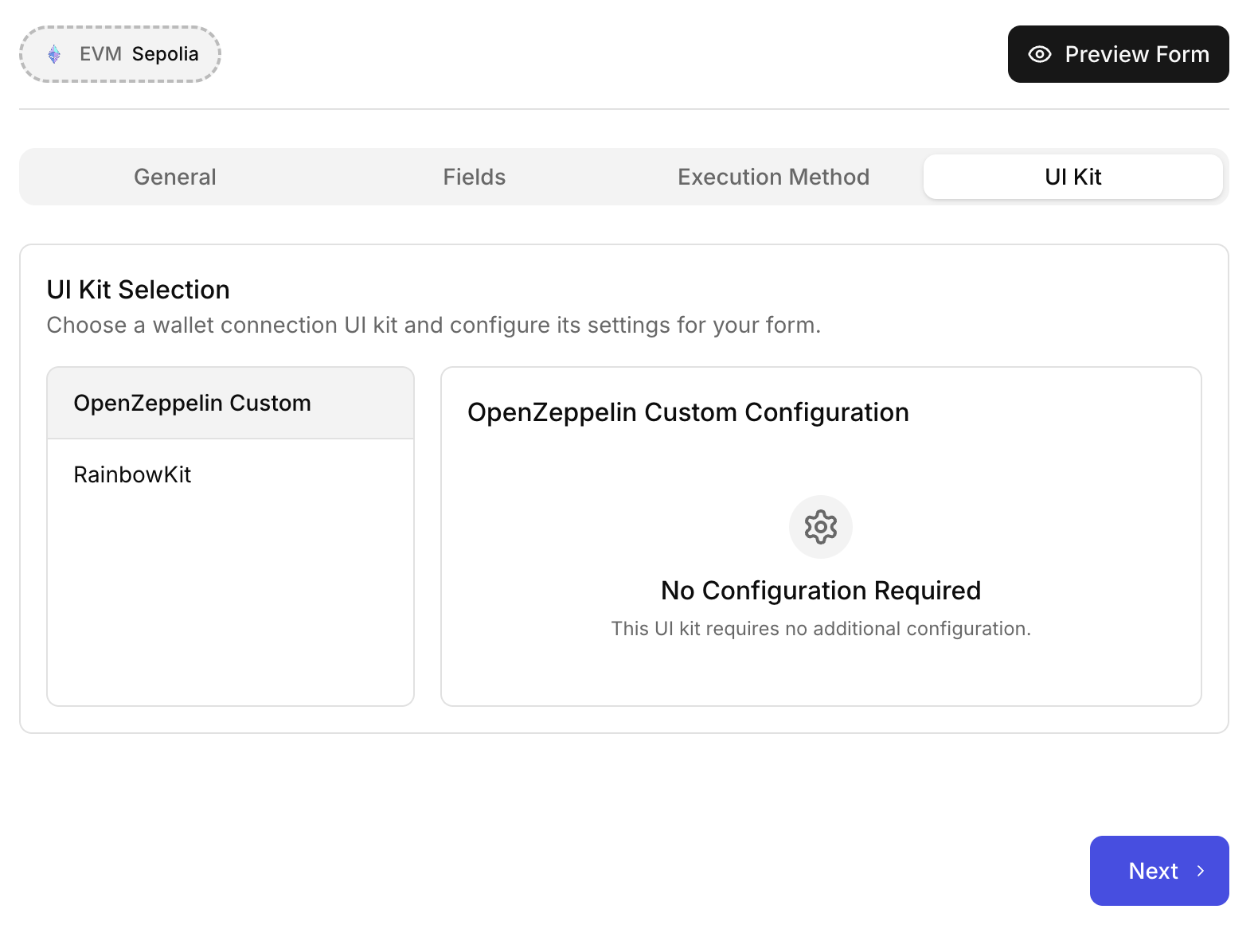
Of you can use RainbowKit which will require the additional RainbowKit config to be added to your final app.